
After configuring the ADFS Authentication, you can log into LogPoint using the ADFS credentials.
Follow these steps to log in with the ADFS Authentication:
Go to the LogPoint login page.
Click the Other Authentication Options link.
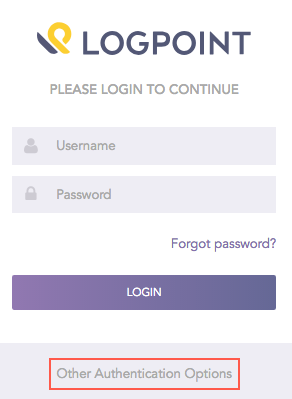
Other Authentication Options
Select ADFS Authentication.
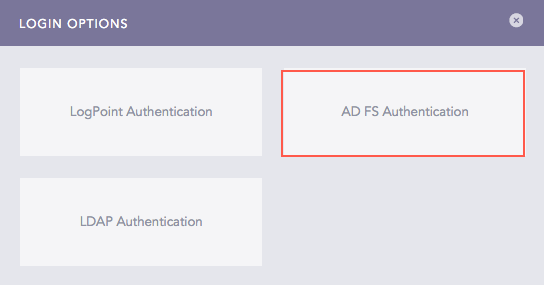
Login Options
Click Login.
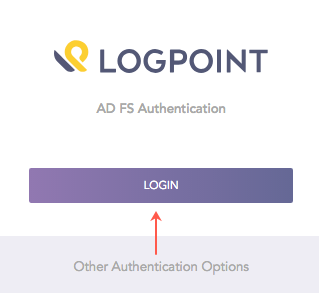
ADFS Authentication Login
Enter your ADFS Username and Password.
Click Sign in to log into LogPoint.
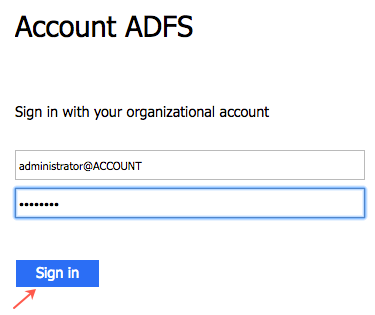
ADFS Server Login
Important
The time zones of the ADFS server and LogPoint must be identical.
If you have configured the Duo Security in your ADFS server, you need to further verify with the Duo’s two-factor authentication. For more details, refer to the Duo Security Manual.
Refer to the Appendix section to obtain information on installing and configuring the Duo Security in the ADFS server.
Once you log in with the ADFS credentials, the system adds adfs as a prefix to your username. For example, if you log in as bob with the ADFS Authentication option, LogPoint updates your username as adfs_bob.
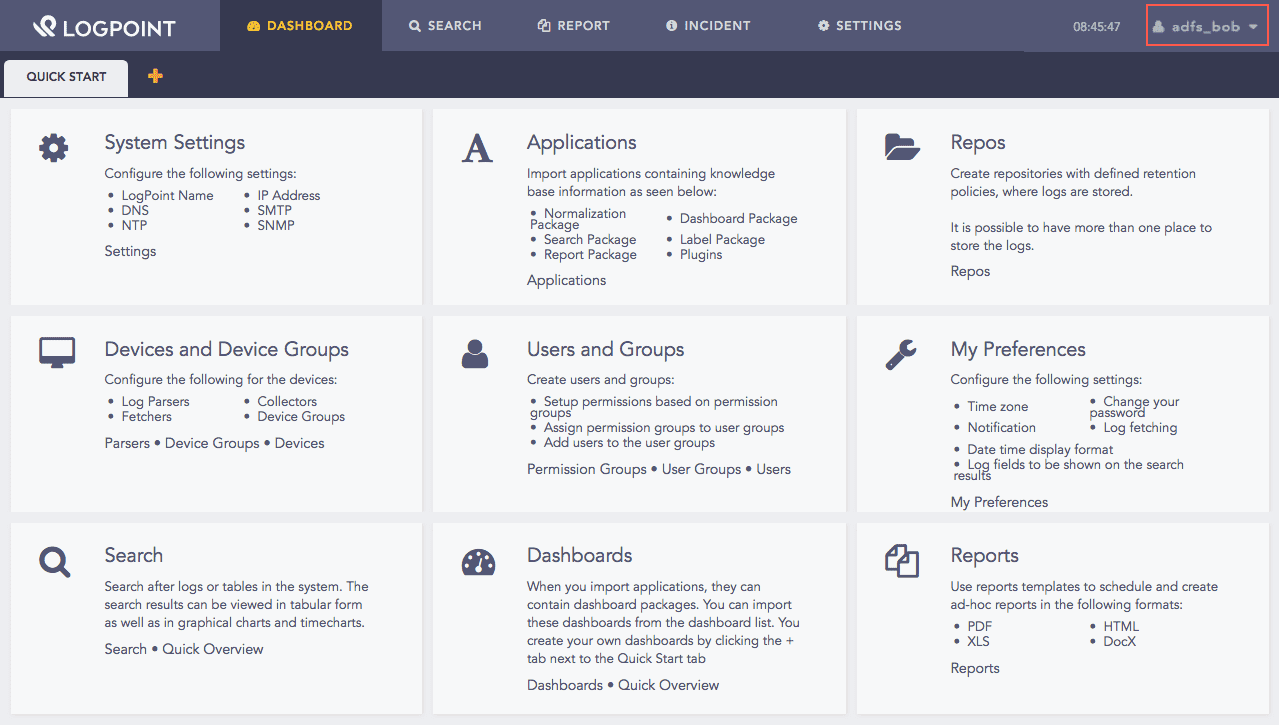
User Logged In with ADFS Authentication
Note
Once you log in with the ADFS Authentication, you get signed into LogPoint for a period of session time. You can define the session time in the ADFS server.